File sharing between an Android and an iPhone has been one of the biggest problems among technology for many years. Apple’s AirDrop and Google’s Quick Share (formerly nearby share) both make it easy to transfer files within their own ecosystems, but they weren’t compatible across platforms. That barrier is finally breaking down.
Android’s Quick Share now talks to AirDrop
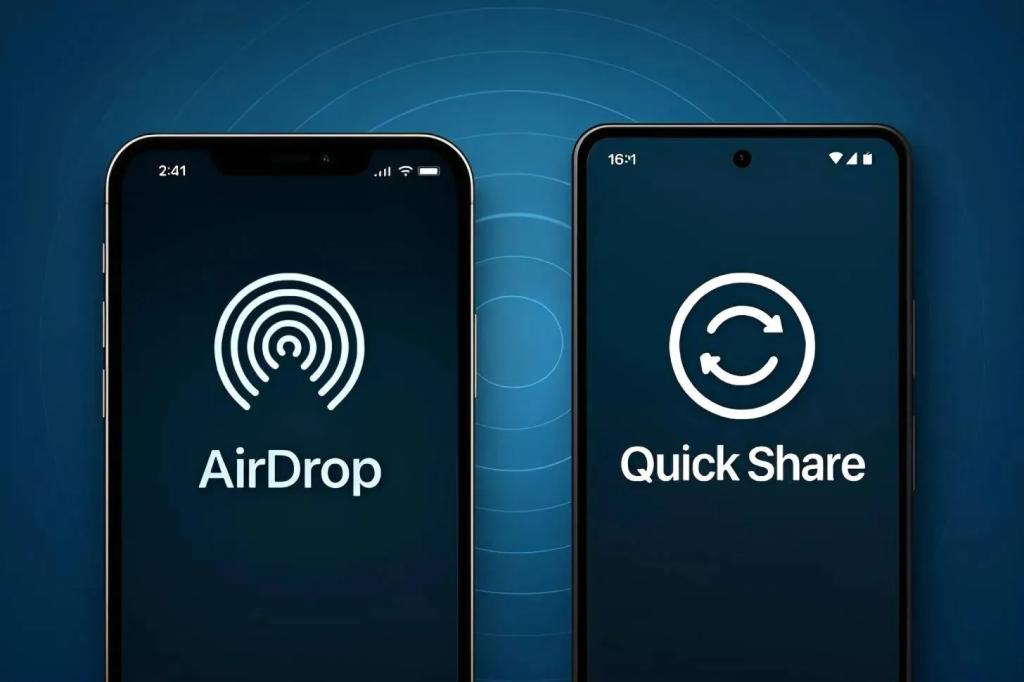
In late 2025, Google made a huge revelation:
- Android’s Quick Share has been enabled to exchange data with Apple’s AirDrop technology.
- Enables file sharing from Android smartphones to iPhones, iPads, and Mac computers.
- This inter-platform sharing function first debut with the release of the Google Pixel 10 range and further roll out to other Android devices in the future.
- The newly-launched Samsung Galaxy S26 series can also AirDrop to Apple products.
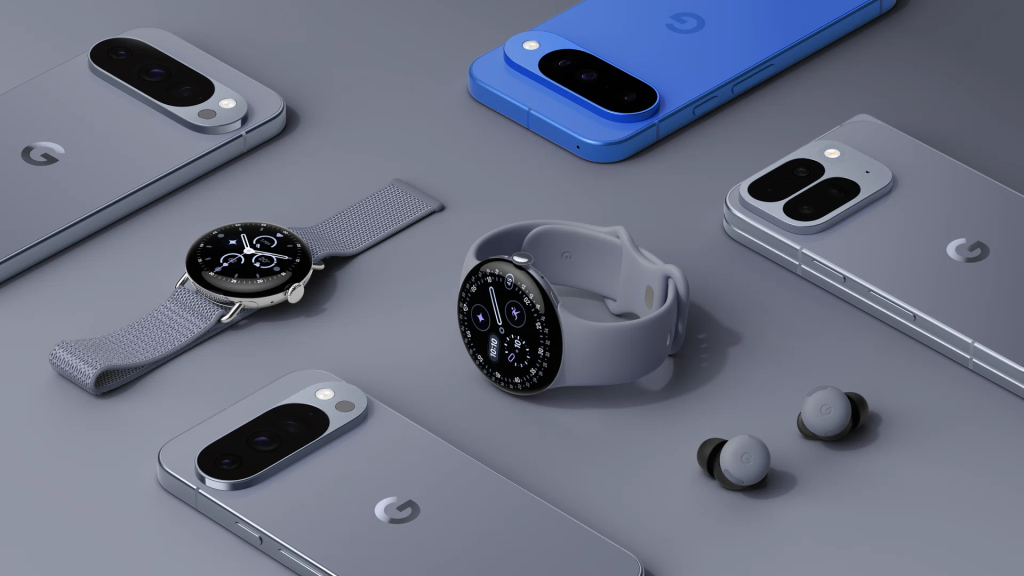
Image credits: The Peak Magazine
The new innovation is notable since Quick Share and AirDrop work on fundamentally different principles and have been operating in separate systems until now.
Android devices will be able to detect Apple devices through the file transfer interface and send files immediately.
How it works
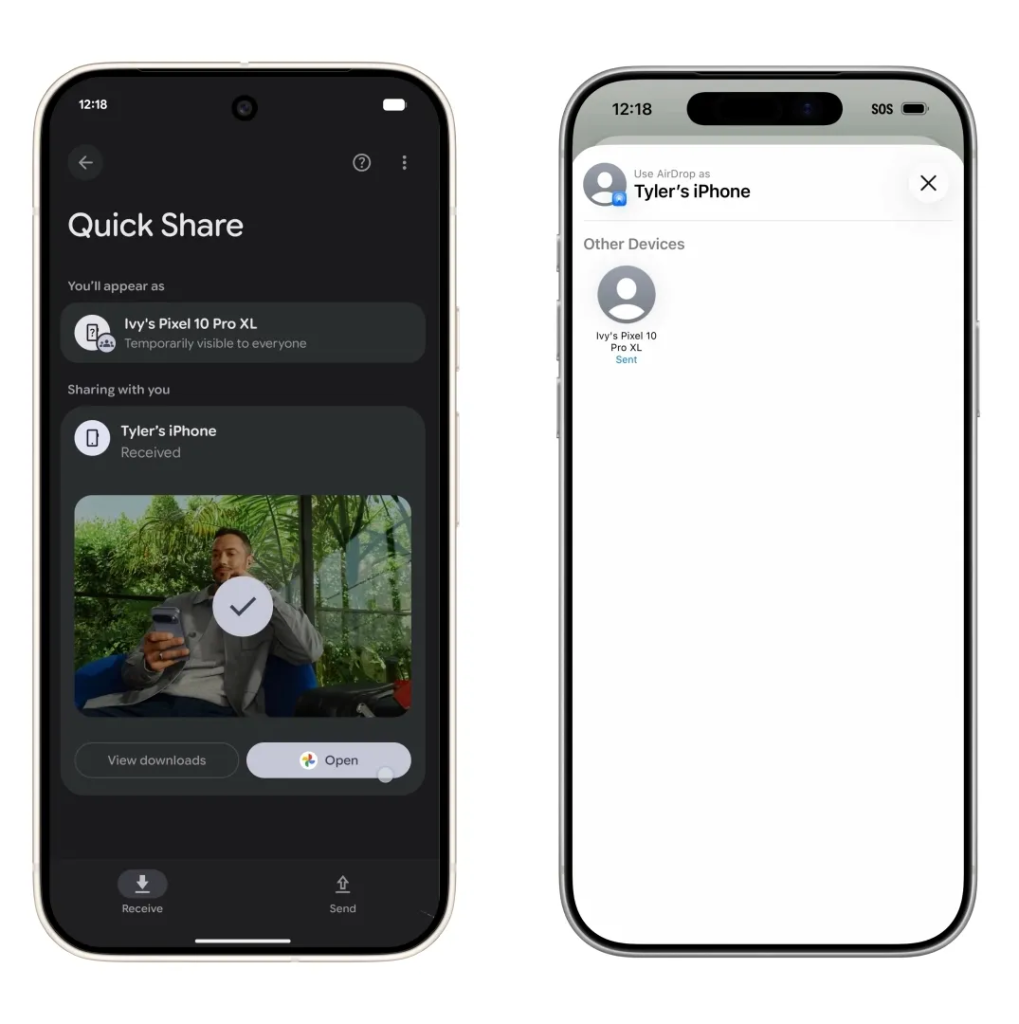
1. Enable sharing on iPhone: The iPhone user must open AirDrop settings and set the device visibility to “Everyone for 10 Minutes”.
2. On the Android phone, use Quick Share: From the menu of your Pixel 10 or any other Android phone that supports it, tap Share, then select Quick Share, and finally, select the iPhone from your devices list.
3. Accept on the iPhone: The iPhone displays an AirDrop prompt and the recipient simply taps Accept to receive the file.
The transfer is peer‑to‑peer, meaning files move directly from one device to the other without passing through cloud servers, helping maintain privacy and speed.
Which devices support it today
- Google Pixel 10, Pixel 10 Pro, Pixel 10 Pro XL, Pixel 10 Fold
- Samsung Galaxy S26 series (S26, S26+, S26 Ultra)
Follow Wah Piang for more.